How to Record a Pet Product Recall Notice
Start from an official notice and record its URL and date. Copy the product identifiers needed to compare your package, including lot or batch where the notice supplies them.

Start with your own situation
Start from an official notice and record its URL and date. Copy the product identifiers needed to compare your package, including lot or batch where the notice supplies them.
Work through the record
Compare each identifier separately. Mark match, different or unreadable; a brand match alone is not a completed product identification. Keep the notice instructions available.
Your printable worksheet
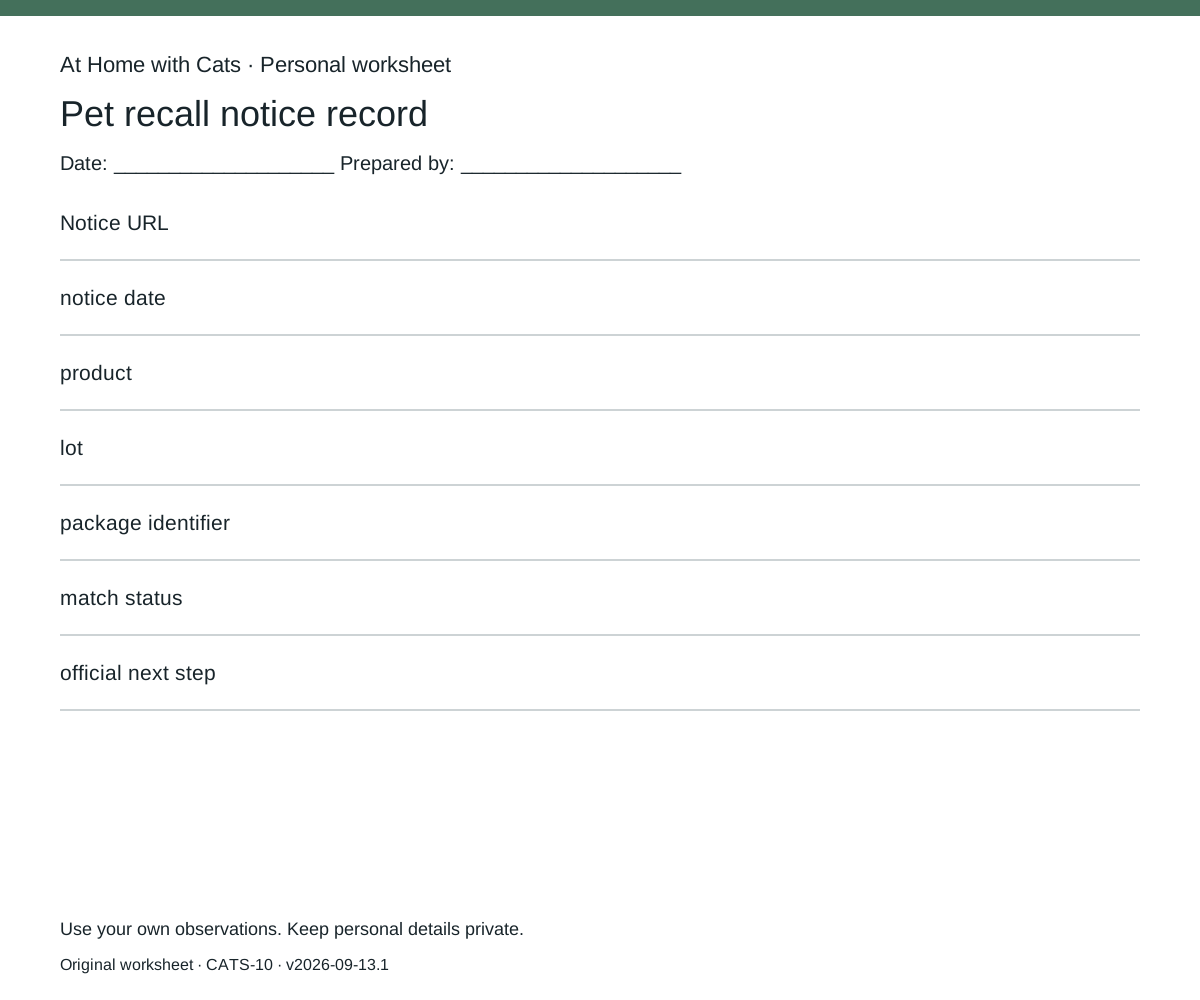
Use one sheet per pet recall notice record. Fill these fields: Notice URL / notice date / product / lot / package identifier / match status / official next step. Leave missing information marked unknown; do not silently substitute an estimate.
Make the next decision
Follow the notice for the affected product and contact the named official channel when identification is unresolved. The worksheet records an alert; it does not diagnose an animal or certify an unlisted product safe.
Documentary context
The FDA veterinary recall index includes date, brand, product description, recall reason and company fields.
How this guide was prepared
Original Codex-assisted planning guidance and a blank worksheet. Reader inputs are not collected or represented as observations. The FDA index column labels were checked directly on 2026-09-15T16:39:13.350Z; the short documentary paraphrase describes index structure only. No specific recall notice, product safety, testing, prices or efficacy result was verified.
Source record
FDA-V1-RECALLS — External record retrieved
The FDA veterinary recall index includes date, brand, product description, recall reason and company fields.
Retrieved 2026-09-15